

Zoom
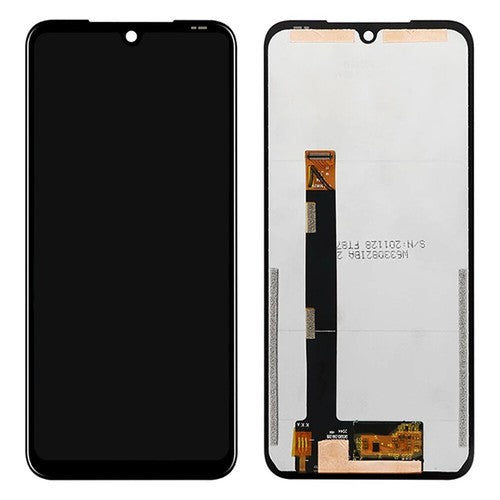
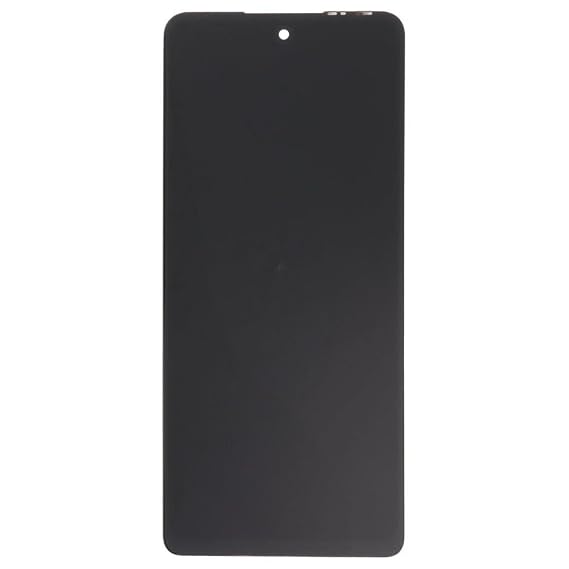
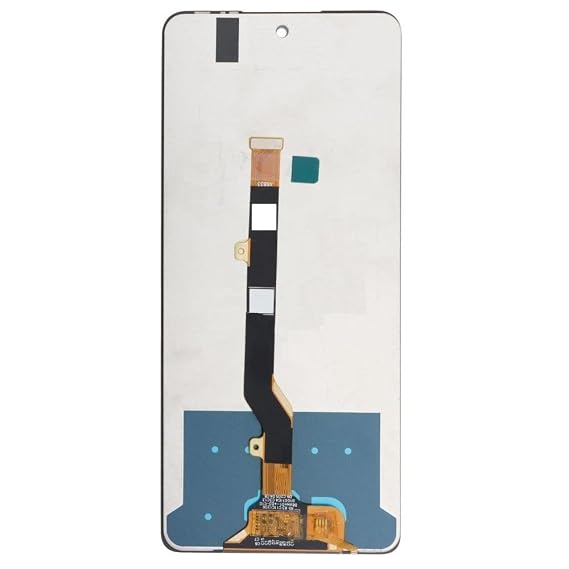
The Infinix Hot 60i 4G (Model X6728 / X6728B) Replacement LCD Panel is a complete, pre-fused assembly combining the outer protective glass, highly responsive capacitive touch digitizer, and the underlying liquid crystal display.
The Infinix Hot 60i operates on a high-speed IPS LCD screen. This keeps your repair component affordable while precisely matching the factory color gamuts, lightning-fast transitions, and thin structural layout of the device.
When purchasing from wholesalers or local parts vendors, make sure the part description aligns exactly with these hardware metrics to guarantee 100% motherboard compatibility:
LCD Panel with Middle Frame Structure (Highly Recommended): The Hot 60i features a remarkably slim 7.7mm frame with integrated IP64 dust and splash resistance. Attempting to pry out shattered glass and manually glue a raw panel into a warped or old frame can cause severe backlight bleeding or localized pressure fractures. Sourcing an assembly that is pre-bonded into a fresh middle framework makes the repair seamless—you simply swap your battery, logic boards, and internal components over.
Bare LCD Panel Only (No Frame Housing): Consists strictly of the fused front glass plate, capacitive touch grid, and underlying LCD layer. This layout requires high-strength electronics adhesive (such as T-7000 black epoxy or B-7000 clear medium), flawless bezel channel preparation, and pressure clamps to properly cure.
1. The Mandatory "Dry Test" Requirement: Do not remove any transparent protective plastic films, warranty stamps, or apply permanent liquid adhesive until you have fully bench-tested the component.
Turn off the phone entirely and disconnect the internal battery flex connector.
Connect the new replacement display panel’s main data flex ribbon cable directly to the motherboard terminal socket.
Plug the battery back in, boot up the device, and check the panel for backlight uniformity, dead pixels, or vertical scan lines. Move an app icon around every corner of the display to ensure capacitive touch response is 100% accurate.
2. Side-Mounted Fingerprint & Button Alignment: The Infinix Hot 60i relies on a physical biometric fingerprint reader embedded inside the side power key rather than behind the glass, meaning your biometric security won't be disrupted by the screen layer. If you are replacing the panel using a pre-framed kit, ensure that the rubber volume/power actuators and their matching flexible circuit traces are lined up flat inside the frame slots during reassembly.
3. Handle the Bottom Flex Ribbon with Care: The main data ribbon trunk originating from the base of the replacement panel handles all visual mapping and digitizer commands. Do not bend, twist, or push this flex ribbon past a sharp 90-degree angle. Forcing or creasing the ribbon during installation will permanently snap the internal micro-traces, leaving you with a blank black screen or erratic ghost-touch behavior.
Wishlist is empty.


